
Snapshots
Integration version history and restoring previous definitions.
A snapshot (a version tag in the UI) freezes a copy of every file an integration is made of — its flow files and its resources together, in one transaction — under a named tag. Tags are immutable and unique per integration, and they are what deployments actually run: a deploy references a tag and ships its frozen definition, never the live working copy.
What a tag captures
Creating a tag captures two things, atomically in one transaction: the integration YAML exactly as it stands in the working copy, and a frozen copy of every live resource (env files and templates). A deploy of the tag therefore ships the resources that matched its definition rather than whatever the working copy holds later.
Tags have no update path. Once created, a tag's definition and resources never change, and editing the working copy or its resources has no effect on existing tags.
Tag names are 1–64 characters from letters, digits, ., -, and _ (so they read cleanly in URLs and the UI), and must be unique within the integration.
API
| Operation | Endpoint |
|---|---|
| Create a tag (freeze the current definition + resources) | POST /integrations/{id}/snapshots |
| List an integration's tags (newest first, with definitions) | GET /integrations/{id}/snapshots |
| Delete a tag | DELETE /snapshots/{id} |
| List a tag's frozen resources | GET /snapshots/{id}/resources |
| Read one frozen resource's content | GET /snapshots/{id}/resources/content?kind=...&name=... |
The list response includes each tag's frozen definition, so the UI shows version-scoped detail without extra fetches. The frozen-resource content endpoint is also what a deployed runtime calls: each tagged deploy carries its snapshot id (OCTO_SNAPSHOT_ID), and the pod's resource loader fetches the frozen resources from the orchestrator by it.
Deletion is guarded
A deployment pins the tag it was created from. Deleting a tag that one or more deployments still run is refused with a conflict naming the deployments using it, since a live workload would otherwise reference a version that no longer exists. Undeploy (or roll out a different tag) first. Deleting a tag also drops its frozen resources.
Rollback and history
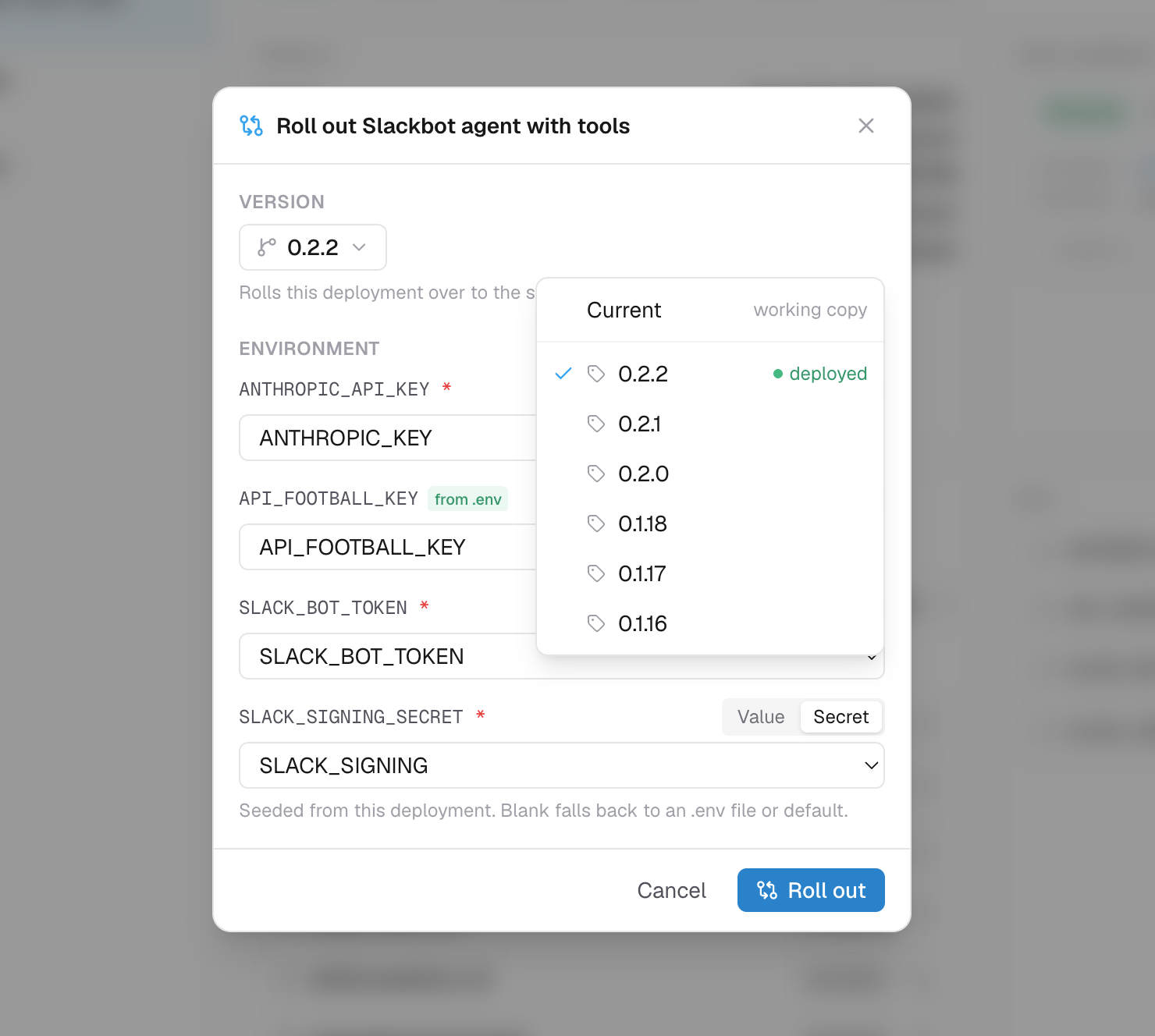
Tags are the platform's version history: every deploy is pinned to one, and deploying "Current" from the editor tags the working copy first, so even ad-hoc deploys leave an immutable record.
To roll back a running deployment, roll it out to an older tag. A rollout accepts any of the integration's tags and performs a rolling update in place, keeping the deployment's address and settings.
There is no API to overwrite the working copy from a tag. Tags restore what runs (via rollout); to bring old content back into the working copy, read the tag's frozen definition from the list endpoint and save it as an edit.